
You can extract a report to view the details of the reward sent & received by all users along with the comments. This helps you to analyse the usage of the rewards.
Navigate to Rewards
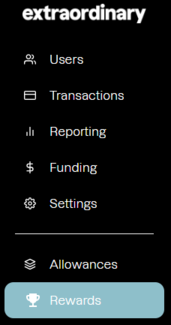
- Locate 'Rewards': Navigate to 'Rewards', located on the left hand menu of the customer portal:
- scroll to the bottom of the page
- set date filters
- click on Export
This report will show you the information of the sender & receiver of the reward along with the reason.