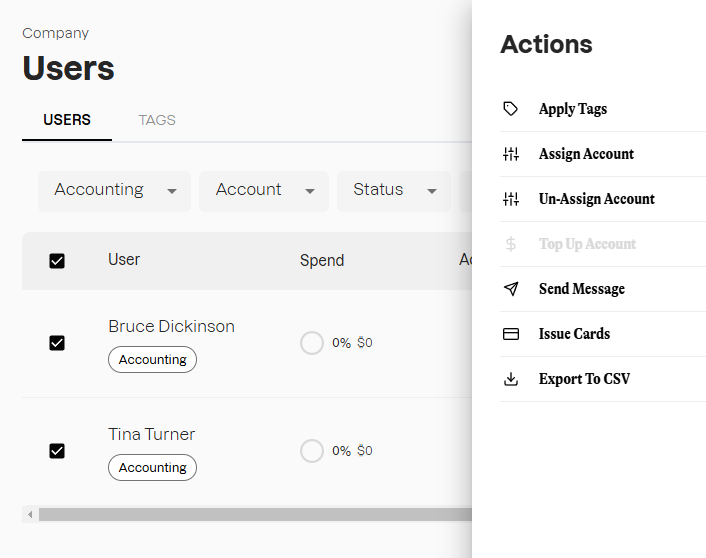
Tags are labels assigned to Users that assist with sorting and viewing groups of Users. Sorting by Tags is useful for creating custom reports, or performing updates to specific groups of Users.
You can use tags to filter the list of Users to apply bulk actions using the following steps:
Log in to Extraordinary customer portal
- Access customer portal: Use your administrator credentials to log in to the Extraordinary customer portal: https://customer.extraordinarypay.com/
Navigate to the User management menu
- Select 'Users' from the left navigation menu
- Select the 'Tags' filter and choose the desired option
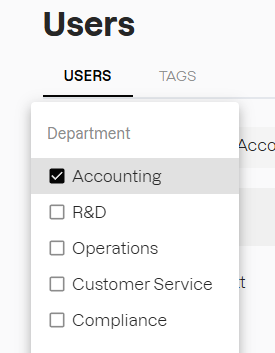
The Users list will now display the Users based on the Tags you have selected
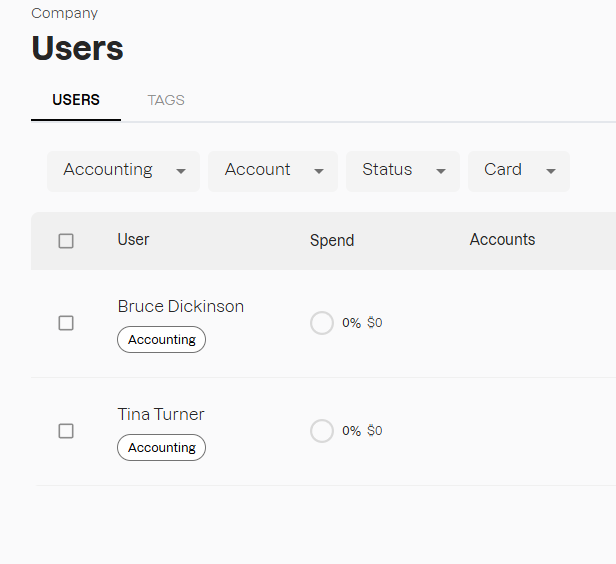
You can now select the filtered group of Users and perform bulk actions from the 'Actions' menu.