
If you have received a physical card, you can view the card details at the back of your Extraordinary card.
If you've been issued a digital card or haven't received your physical card yet, you can follow the below steps to view your card details for online payments:
-Login to the Extraordinary app
-Go to the 'Cards' screen
-click on the arrow in front of the 'Card details'
-tap on the card to view the card details.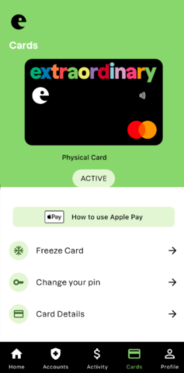
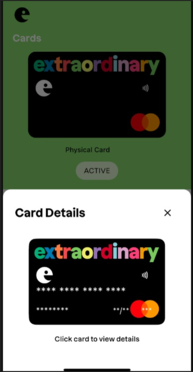
You can now view your card number, name on the card, card expiry date and CVV number