
This article helps you understand the Funding page
Add Funds:
This allows you to add more funds to your account that would allow your users to complete their transactions successfully.
you can find more details here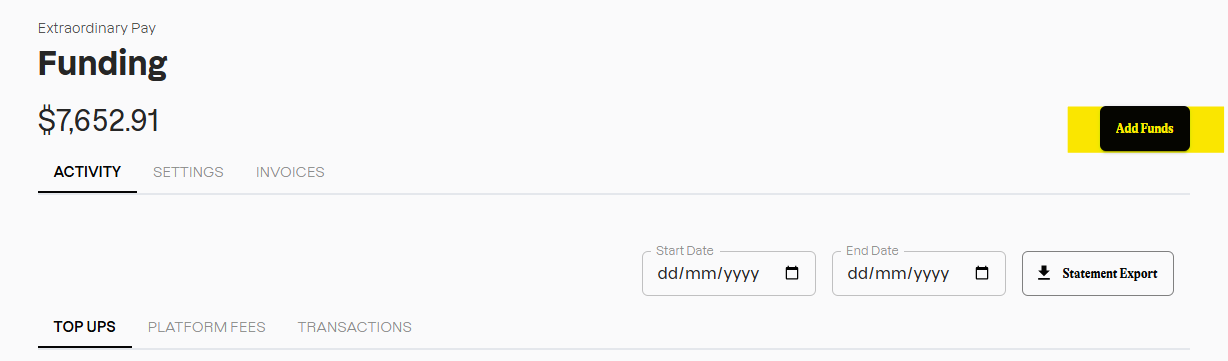
Activity
Under Activity on Funding page, you can see below options: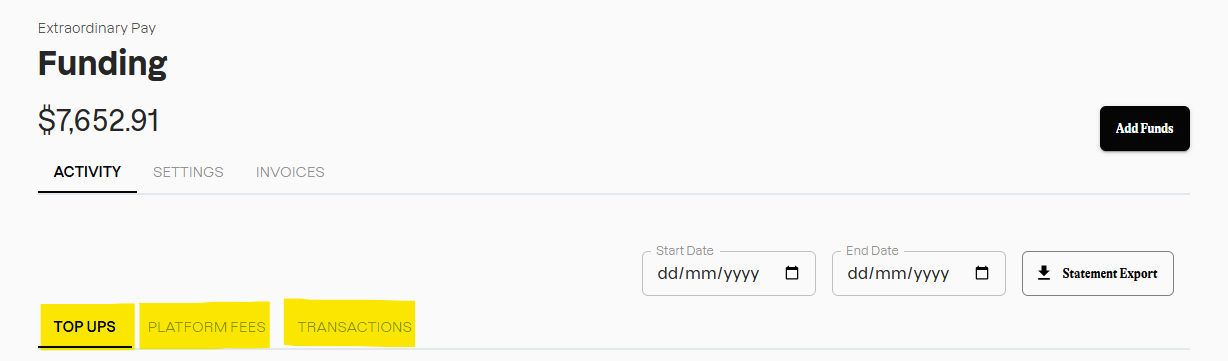
- Top Ups: Under the Top-Ups, you can view all of your funds that you've added to your account so far, includuing paid invoices and the additional funds.
-Platform Fees: this allows you to view all the platform fees charged. This provides you the details that includes payment method, status, amount, surcharge, total, date
-Transactions: You can view all of the approved transactions under this option. This also allows you to download a statement for a particular period.
Settings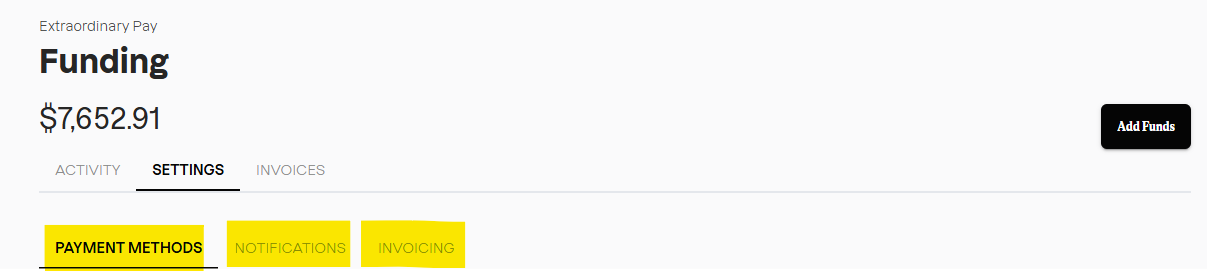
-Payment Methods: you can add or view any or all of your cards you've added for your payments
-Notifications: you can set up a notification here to be reminded to add more funds when your available Funding reaches a specific amount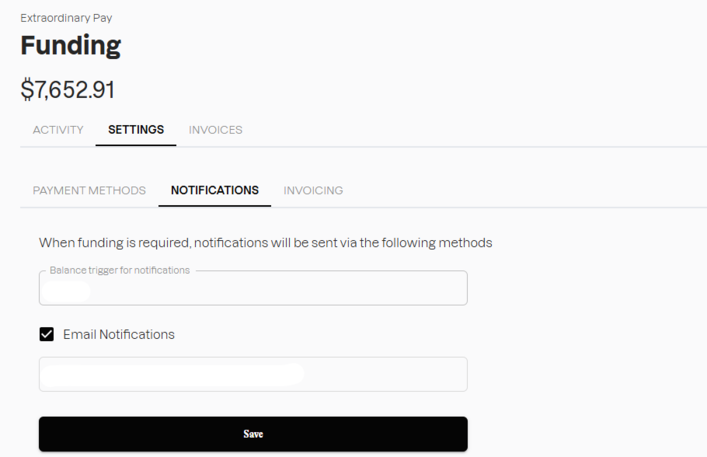
-Invoicing: This allows you to add any references for your invoices
Invoices
You can view all of your invoices under this option and you can download them as well.