
To edit an Allowance follow these steps:
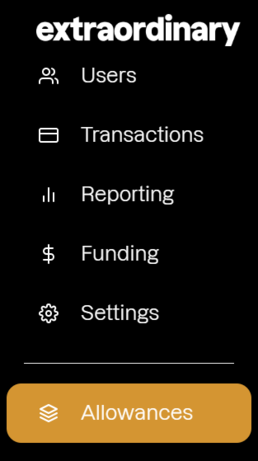
- Locate 'Allowances': Navigate to 'Allowances', located on the left hand menu of the customer portal:
- Or go to: https://customer.extraordinarypay.com/allowances
On the Allowance you wish to edit, click the edit icon in the top right: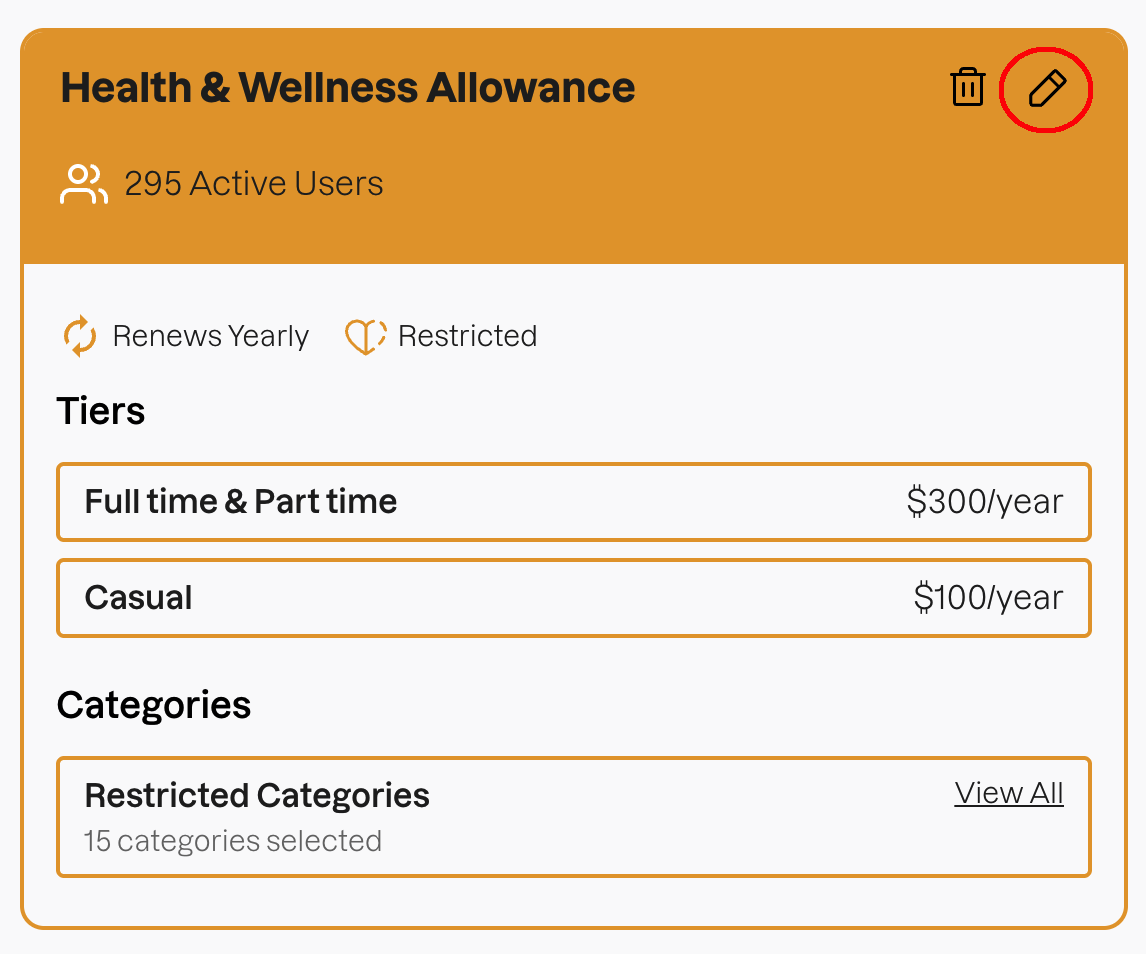
Press "Next" or "Back" to navigate to the options you wish to edit.
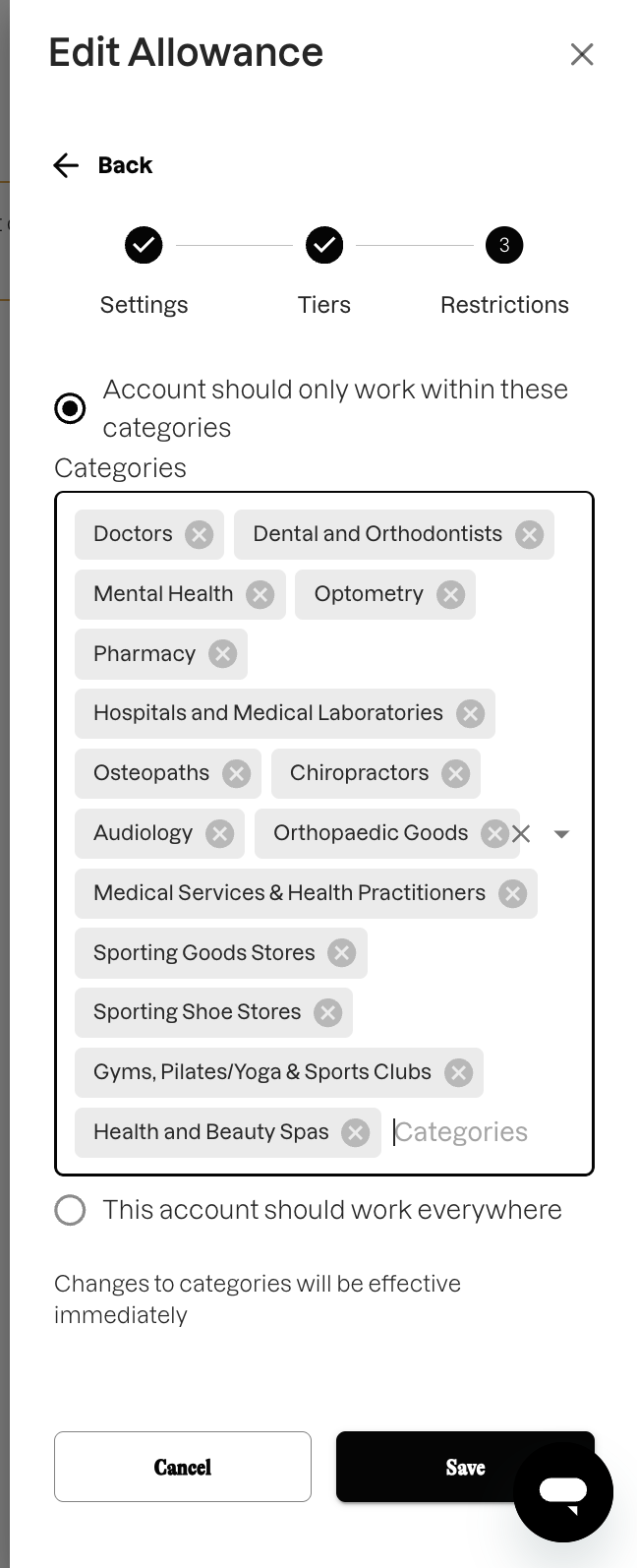
For example, to edit the Restrictions on the Allowance, click the 'X' on a category name to remove it, or click in the Categories box to add more from the list.
Finally, press "Save". Your changes will take effect immediately.