
To create Gifting, please refer to the below steps:
Navigate to Gifting
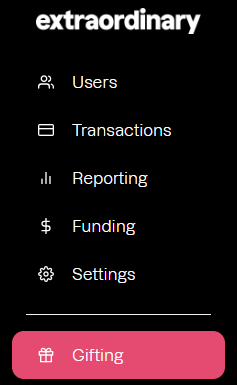
- Locate 'Gifting': Navigate to 'Gifting', located on the left hand menu of the customer portal:
- Click on "New": select the option '+ New' in the top right of the page
- Add 'Gift Name'
- Select the expiry period
- Select the '+' (plus) symbol to add a Gift Tier
- Add a Tier Name and Tier Amount
- Select '+' again if further Tiers are required
Before a Gifting can be used, it must be assigned to the relevant employees. See this guide on how to assign Gifting to users.